Procedures
Guided steps
Follow a procedure one step at a time. Report a reading or finding so the procedure can branch to the next relevant check.
 Avenkin
For the trades
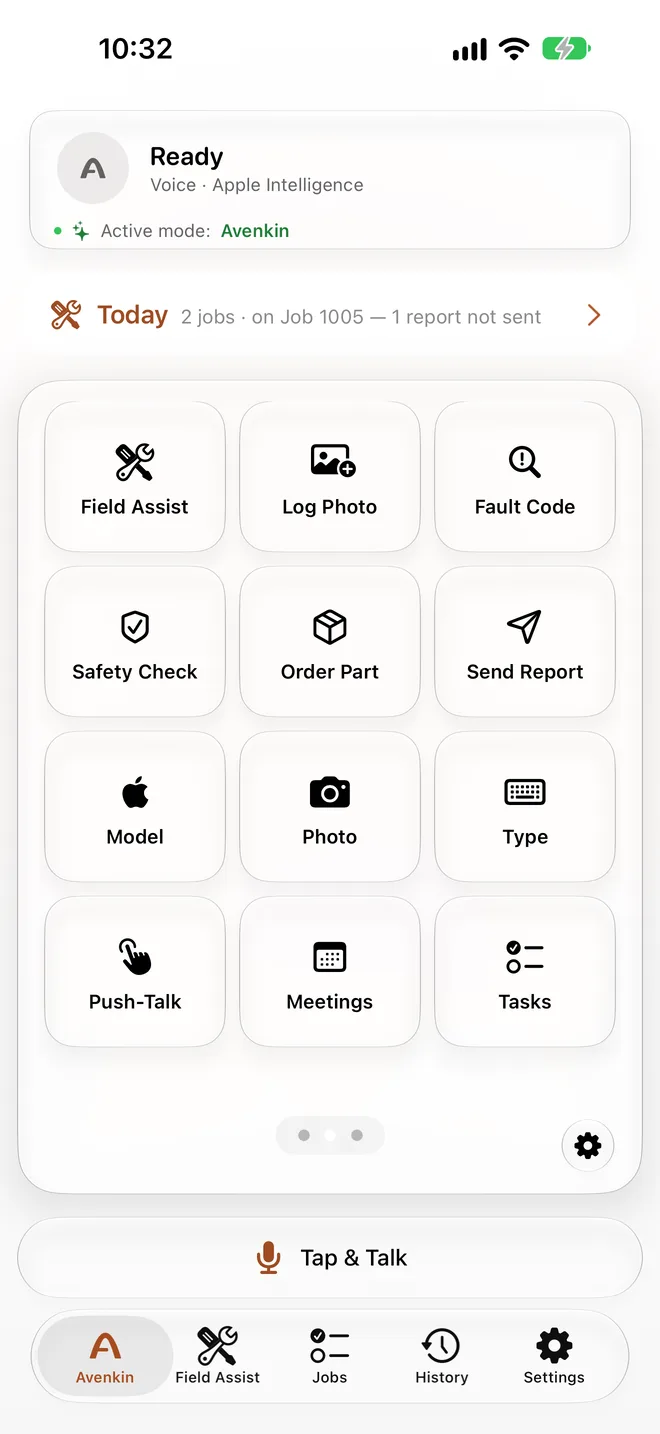
Field Assist, powered by Avenkin, puts procedures and reference knowledge within speaking distance.
On the job
It runs in the Avenkin app, on your iPhone, through headphones or AirPods, or hands-free with glasses. The standard phone version is also usable on iPad and iPhone Duo; dedicated versions are coming soon.
Procedures
Follow a procedure one step at a time. Report a reading or finding so the procedure can branch to the next relevant check.
Reference
Look up a fault in bundled vaults, or your own manuals with Team access, and check the source references alongside the guidance.
Backup
Bring in a remote expert when the job needs another pair of eyes. Expert availability and a configured connection are required.
Record
Keep a record of the procedure and reported readings, ready to review and export. Team access adds audited export.
Calculate
Use domain calculators alongside the reference material and guided procedures available in your vaults.
Job details
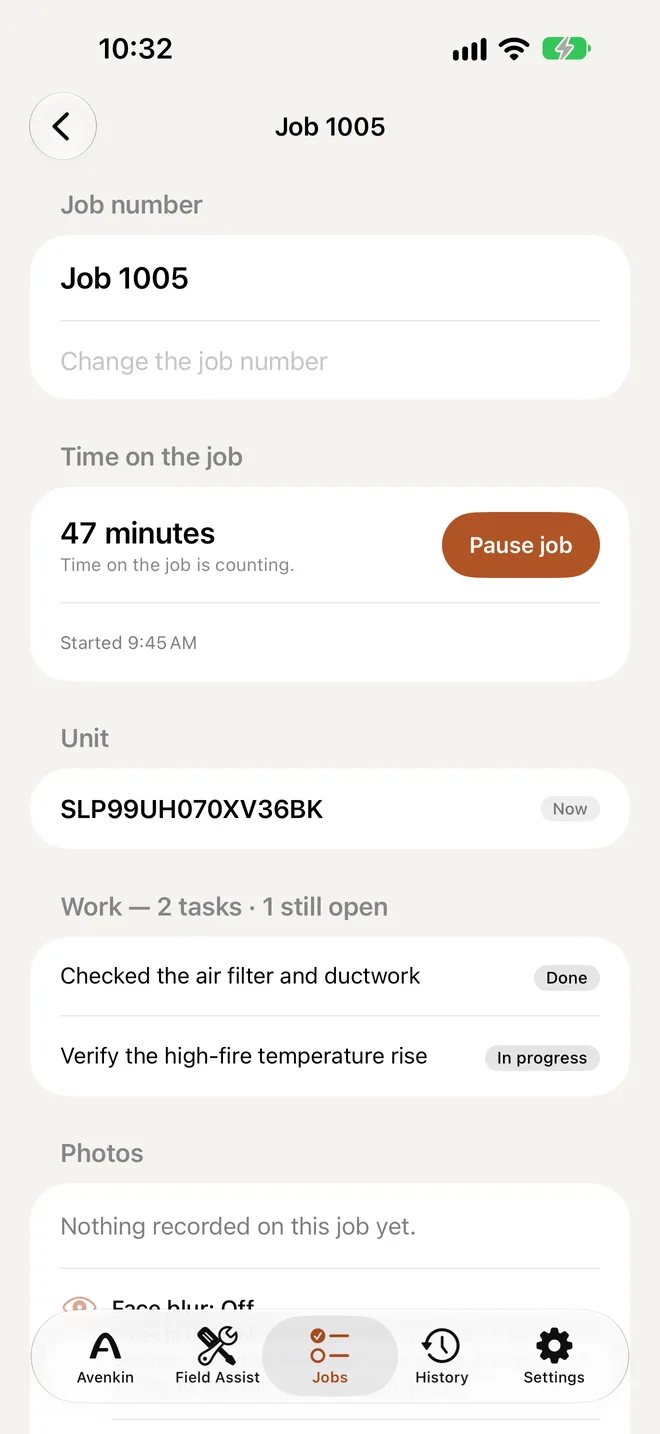
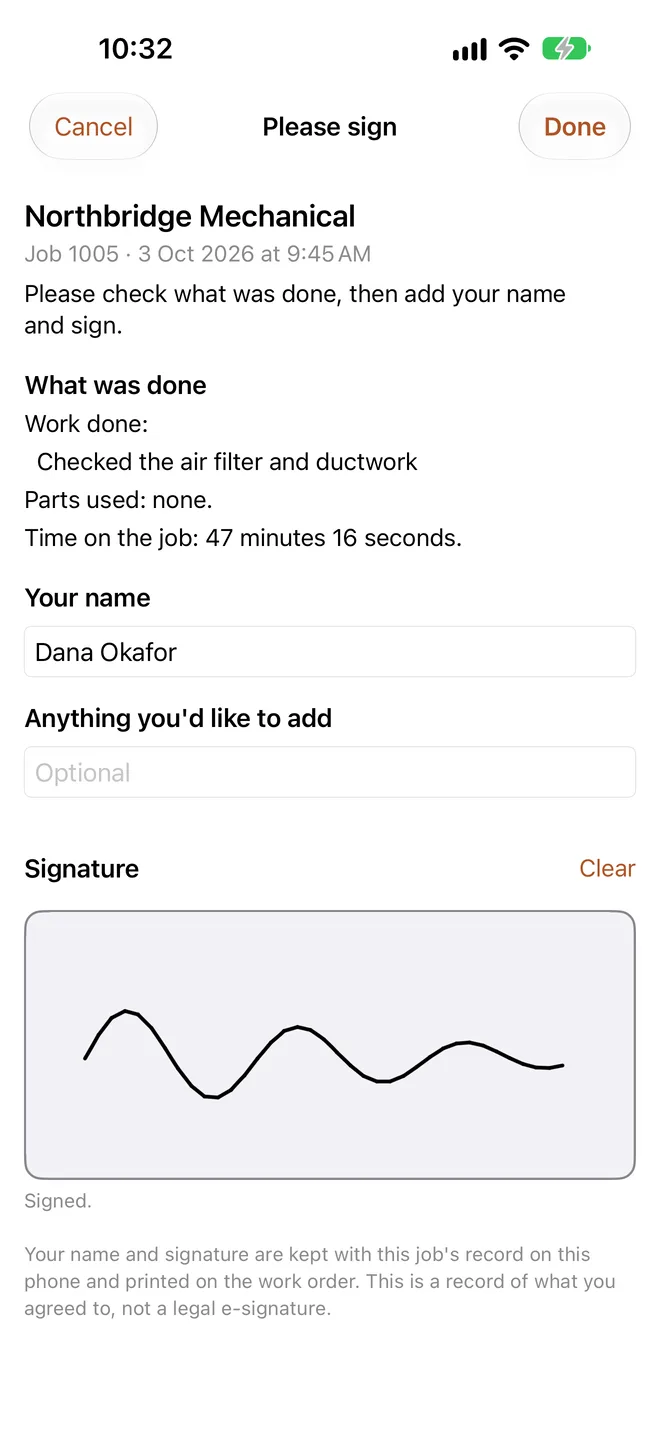
Keep the equipment, tasks, time and photos with the job, then review the work with the customer for sign-off on the device.
In the app
Your own manuals
Teams can add their own manuals and knowledge vaults, so answers come with source references and each session leaves a record that can be exported. The vault guide (PDF) explains how to build one.
Access levels
One person
Bundled vaults, guided procedures, domain calculators, session log, expert escalation.
Organisations
Solo capabilities plus custom vaults and manuals, and audited export.
Organisations
Team capabilities with separately agreed commercial terms.
Avenkin Office is the desktop app for the organisation behind the people in the field: it hands out jobs and manuals and collects the records that come back. An early release is available for macOS.
What your organisation receives from the phones, and what the EU AI Act asks of it, is set out in the deployer information sheet.